
During the onboarding process, the Verity Team will provide access to the main administrators. Once the main administrators have access, The main administrators will authorize and provide access to any other users.
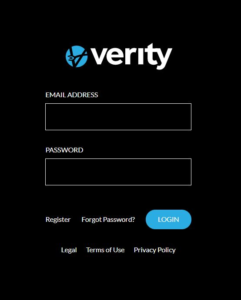
To sign on, go to the Verity site. The sign-on page will request a username or email and password.
Username
The username cannot have more than 3 consecutive characters in common with the email or name fields. If there are more than 3 consecutive characters in common with the email or name fields, a system warning will be displayed.
Password
There are no character restrictions on the password. It is recommended that all administrators and users use a strong password to help ensure the Verity site can only be accessed by authorized users.
When sign on is complete the Verity Dashboard will display.