
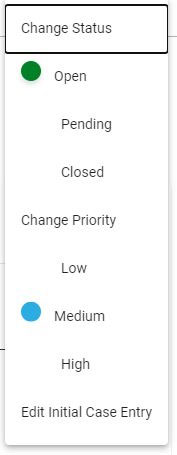
To make edits to an impact case, click on the Manage Case button, and the case management dropdown will display. Click on Edit Impact Case Entry.
After Edit Impact Case Entry is selected, the impact case will display in the same format as the original impact case entry. All of the case information can be edited.
When any box is clicked on, a change verification popup will appear to confirm the change.
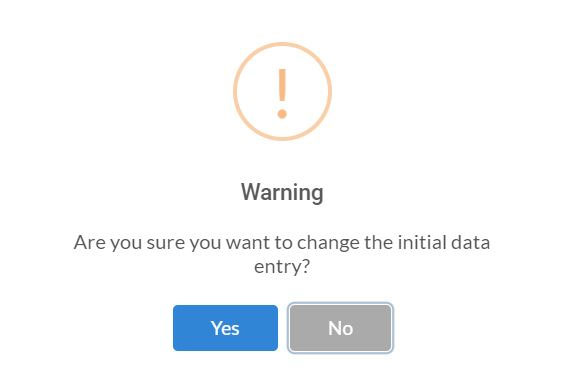
Click Yes to make the change or No to cancel.
The Submit Impact Case button is active on every page. Click the Next button to toggle to the page on which the edit needs to be made. When the edit is complete, click Submit Impact Case.