
New business owners will receive an invite to join the Verity system. The invite is a welcome email and invites the user to register for an account in the Verity system. The email also has links to the verity Help Page and Getting Started guide.
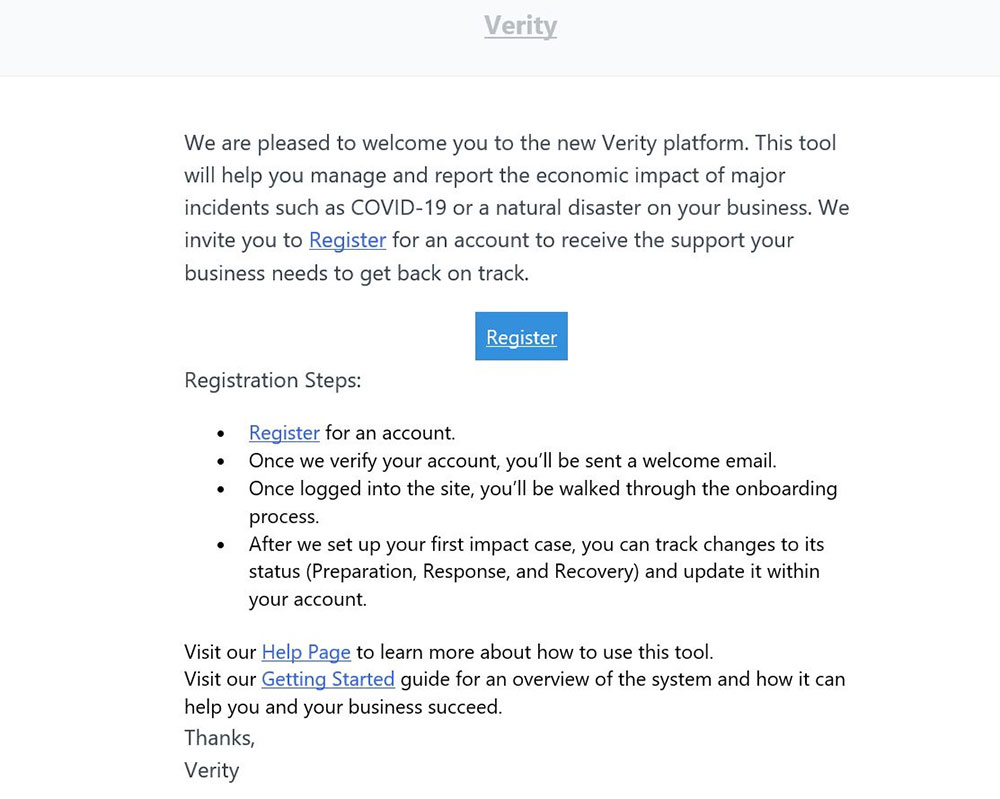
To begin, click on the Register link in the email to access the Register New User page.
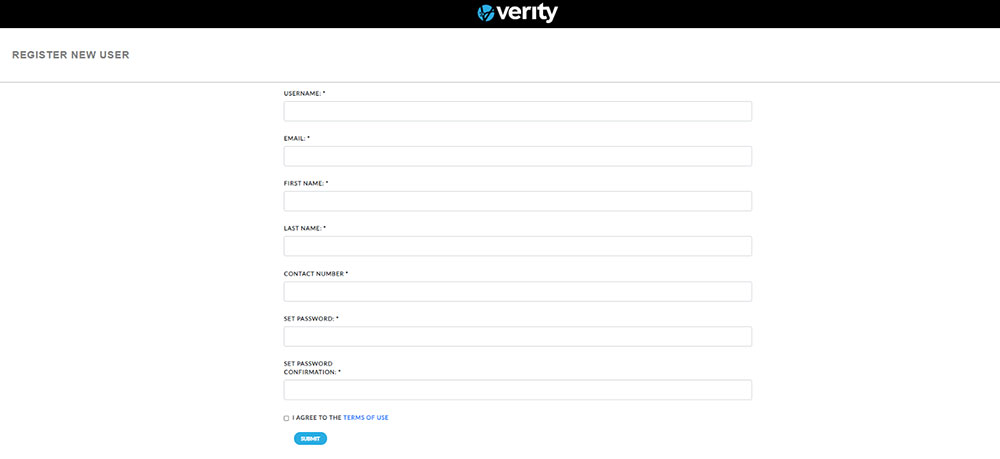
Enter the Username, Email, First Name, Last Name, Contact Number, set their password, and check the user agreement. All of the information is required and the information will not be submitted unless all fields are completed.
Username
The username cannot have more than 3 consecutive characters in common with the email or name fields. If there are more than 3 consecutive characters in common with the email or name fields, a system warning will be displayed.
Password
There are no character restrictions on the password. It is recommended that all administrators and users use a strong password to help ensure the Verity site can only be accessed by authorized users.
Click agree to terms Box and then Submit.
After clicking Submit, you should receive a confirmation email that the system received the registration.
After a Verity administrator verifies your account, you will receive a second confirmation email.
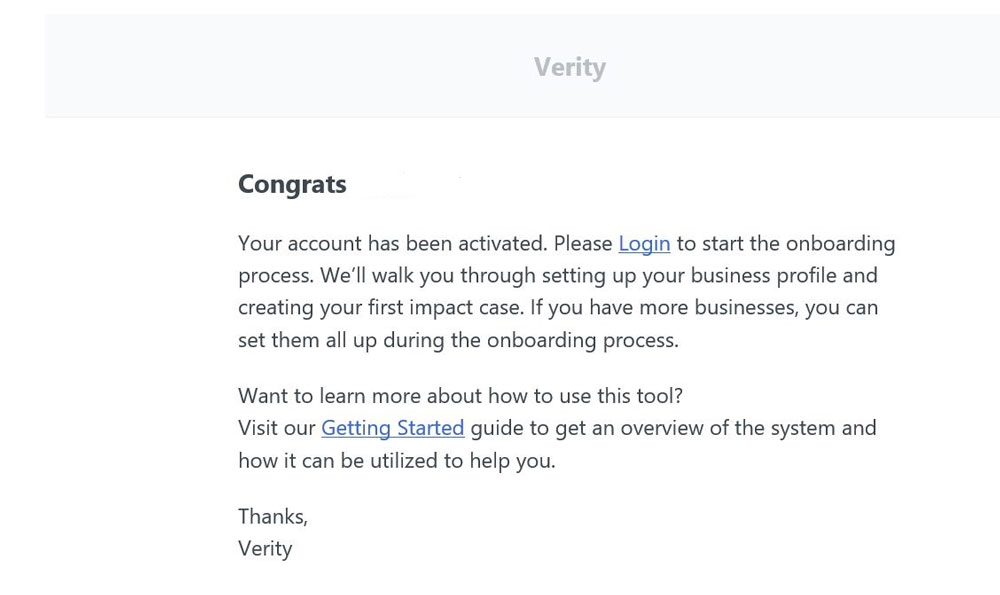
Click on Login within the second email to start the onboarding process for your business.