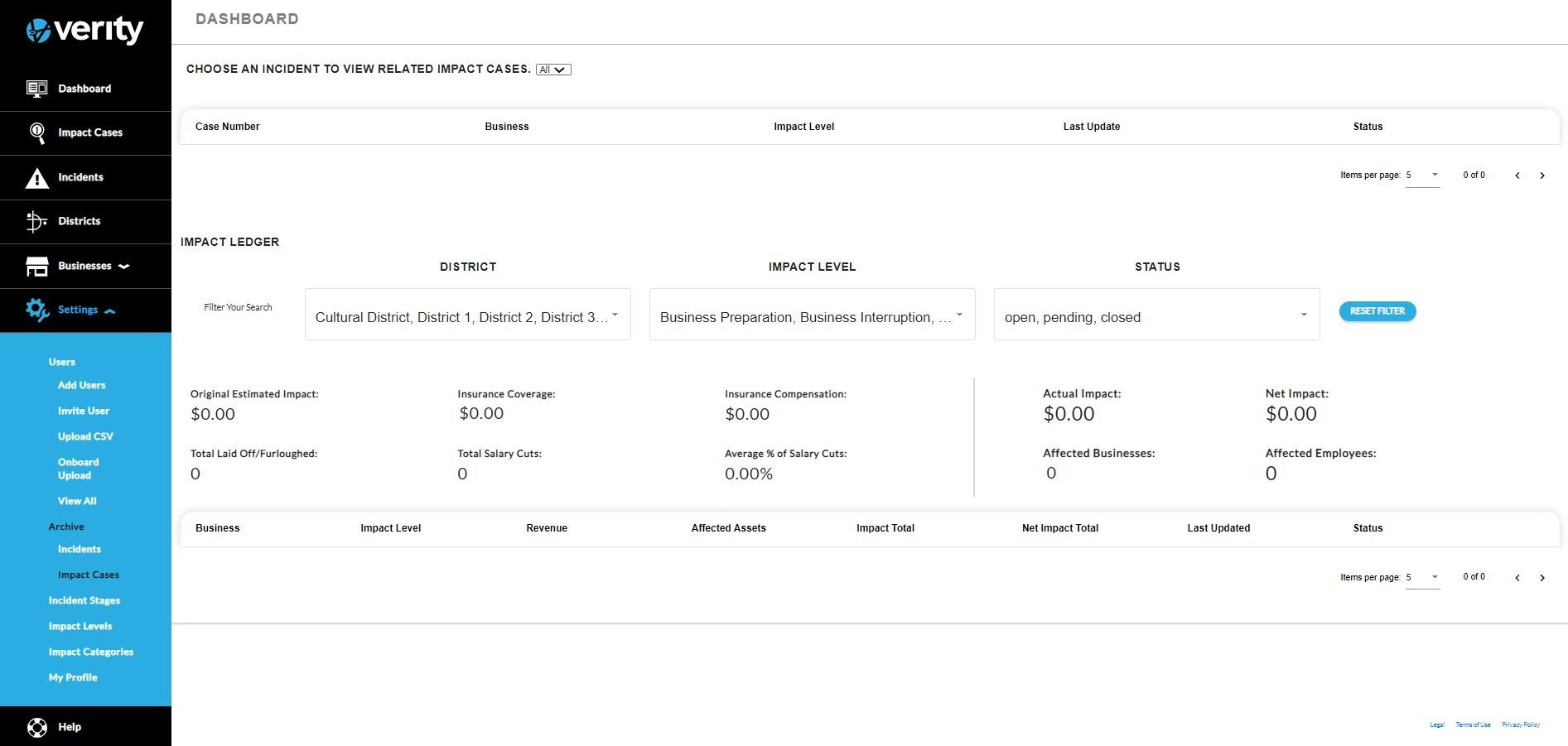
Archive was developed to allow system administrators archive incidents. In Archive administrators can archive incidents and view the archived impact cases
Incidents
A list of the incidents will display. The active incidents will have a red archive button.
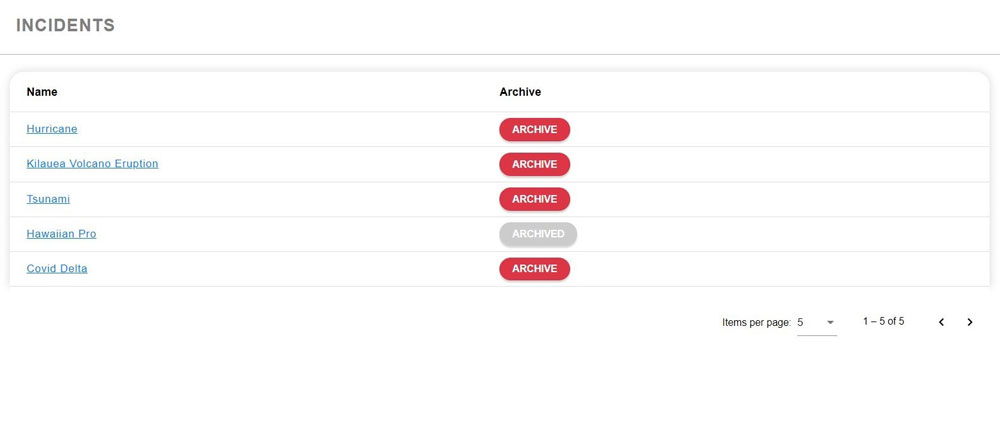
To archive an incident, click on the Archive button. The incident will archive and the button will turn grey and change to Archived. The Archive Dashboard will update with the archived incident.
Impact Cases
Clicking on Impact Cases will display the Archive Dashboard. The Archive Dashboard functions like the main dashboard but only contains incidents that have been archived.