

To invite a user, go to the settings and click on Invite User. The Invite User window will display.
Enter the user’s email address and click on Invite.
The user will receive a welcome email and will be invited to register. When a user registers, they will complete the New User information.
Before a user can access the system, an administrator must approve the user.
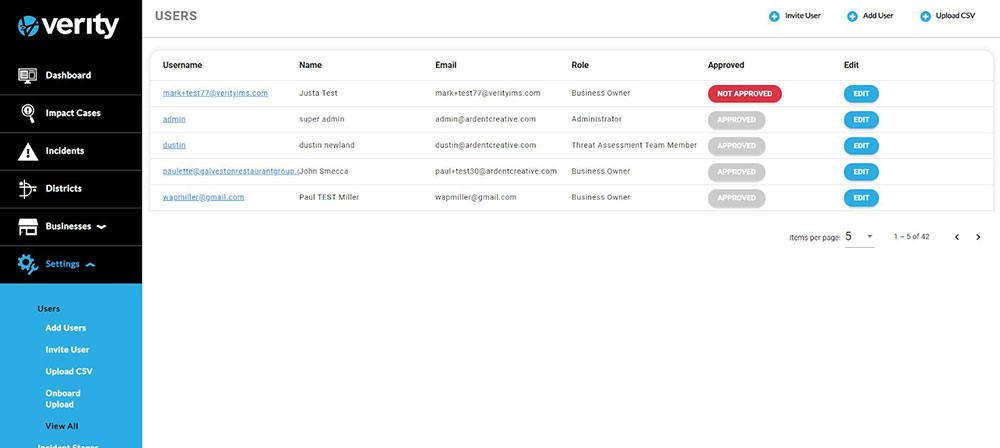
Not Approved users will have a Not Approved button in the approval column. Users’ approval statuses can be reviewed by clicking on their Username. To approve, click on Not Approved, and the button will change to Approved.